You already know that these days the world has become very fast, and everyone has a mobile phone. And not every person can live without a mobile or without the internet. Just as necessary now are food, drink, and air, in the same way, a mobile phone and the internet in it are also very essential.
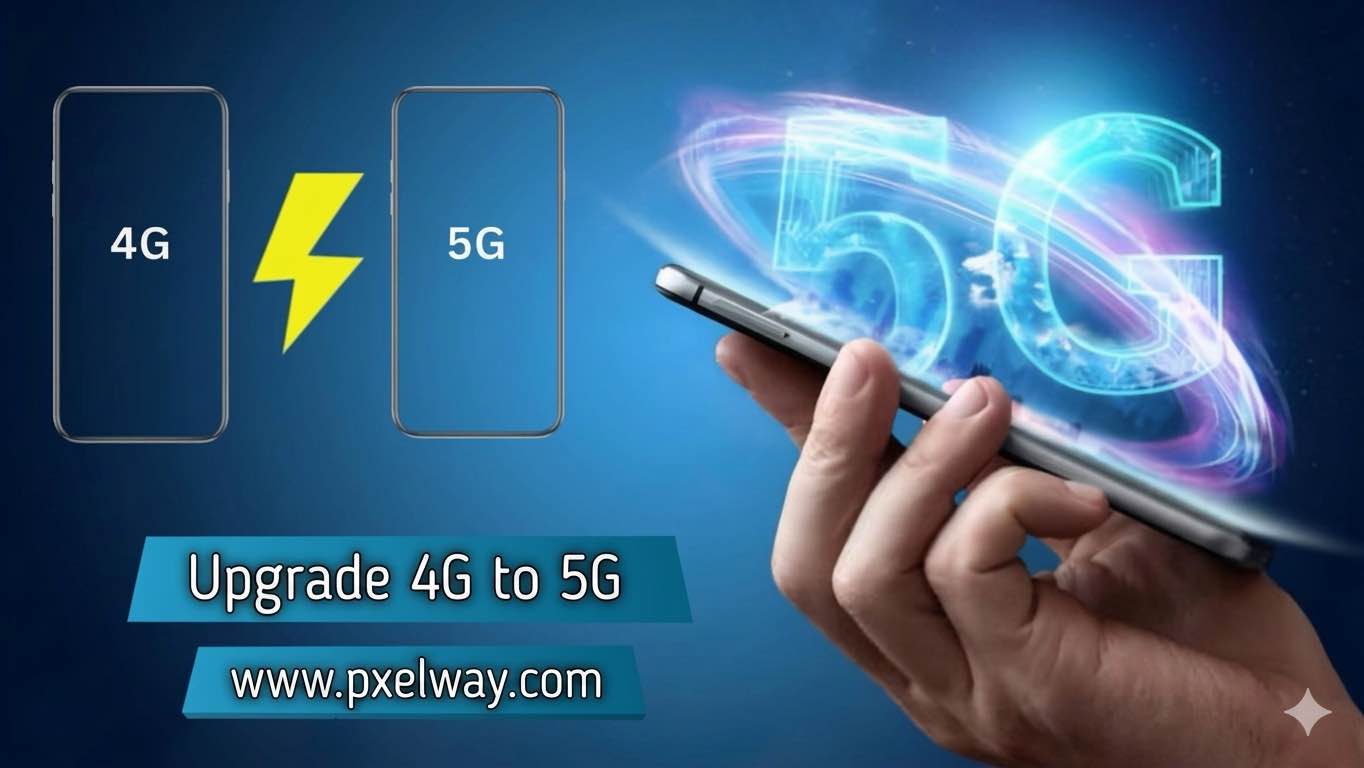
These days, the world is moving toward fast internet. And 5G technology is its next level. Many users want to make their simple 4G phone upgrade and convert it into a 5G phone, and benefit from its performance. But this process isn’t that simple. You don’t just press a button, and your 4G or 3G phone gets converted to 5G. For that, you have to follow some important steps.
Understanding the Difference Between 4G and 5G
If you want to upgrade your 4G or 3G phone to 5G, then before upgrading, it’s important to understand what the difference is between 5G and 4G. 5G is the latest mobile network, which is much faster compared to 4G, and provides higher speeds. The delay, meaning latency, is much lower in it, and it can handle many devices at the same time.
This means that if you’re on a smooth, streaming, fast downloading, or a strong connection, even in crowded areas, then 5G is best for you. But 5G uses a high-frequency signal, so its range is lower, and that’s why getting coverage everywhere is a bit difficult.
Check Device Compatibility
If you want to convert your mobile from 4G to 5G, then it’s also very important for you to know whether your phone is compatible with 4G conversion or not.
The first step is that your phone supports 5G. Not every smartphone is 5G-compatible. Especially in older models, only 3G or 2G will work. In phones where 4G isn’t working, how will 5G work in them? If you want to check whether your phone can convert to 4G, and whether it can convert to 5G or not, then you can check it using these methods.
Search for your model on the manufacturer’s website. Then, in Phone settings, check the mobile network. Confirm with your network provider. If your phone isn’t compatible, then you’ll have to buy a new 5G smartphone. Without that, 5G won’t work on your phone.
Update Your SIM Card
Just having a 5G phone isn’t enough; if you’re thinking that if I buy a 5G phone and I insert any SIM card into it, then I’ll get a 5G network. Along with having a 5G mobile, your SIM must also be 5G. You can confirm it with your career. If the SIM is outdated, then get a new SIM. Install the SIM in the phone and activate it. This process is usually simple and quick.
Choose the Right 5G Plan
If your mobile plan isn’t even compatible with using Five, then you still won’t be able to use 5G on your phone. Look, just having 5G on your phone and having the 5G in the SIM is necessary, but to run 5G, the most important thing is that your mobile phone has 5G.
Your SIM should have 5G, and your internet package should also be 5G-compatible. So to do this, you’ll need to choose a new 5G plan. Choose a plan based on data limits and speed. So that you don’t have any kind of trouble. If you’re a heavy internet user, a high-data or unlimited plan will be better for you.
Test your 5 G connection
After the setup is complete, it’s very important to do your connection checks as well. To test it, you can go to any speed-testing website. In the status bar, you’ll need to check the 5G icon. You’ll need to check it at a different location, because different signals come from different places. Some places get more, and some places get less.
Get app
Final thoughts:
Upgrading from 4Gto 5G gives you fast speed and better performance, but for that, your mobile phone’s your SIM’s, and your 5G plan must be very important. If you don’t do that, you won’t be able to use 5G. If you follow the right steps, you can easily get the full benefit from 5G and improve your internet experience.